AZW3 to PDF
AZW3 to PDF converter: turn a Kindle file into pages
To convert AZW3 to PDF, drop the .azw3 file in the box, choose a page size, and download a PDF with page numbers and chapter bookmarks. It works for DRM-free AZW3 files.
Convert an AZW3 to PDF
- Upload
- Convert
- Download
Uploading…
Your PDF is ready
Download PDFDeleted from our server within an hour.
How did it turn out?
What went wrong?
Thank you. Your answer helps improve the converter; nothing from your file is kept.
- No sign-up
- Deleted within an hour
- Page numbers and bookmarks
Free: 10 files a day. Only convert books you have the right to convert. DRM-protected books, such as most store-bought Kindle books, can't be converted.
When a PDF beats the Kindle file
AZW3 is made for Kindle devices and apps. That's fine until you need the book somewhere else: a teacher who wants a printed handout, an editor who marks up proofs in a PDF app, a colleague on a work laptop with nothing installed, or an archive that keeps one file format for everything. A PDF fits each of those, and its page numbers give everyone the same references.
Picking a page size
US Letter
The default for printers in the United States and Canada.
A4
The standard sheet almost everywhere else.
A5
Half of A4: fewer words to a page, which reads well on a tablet and prints as a folded booklet.
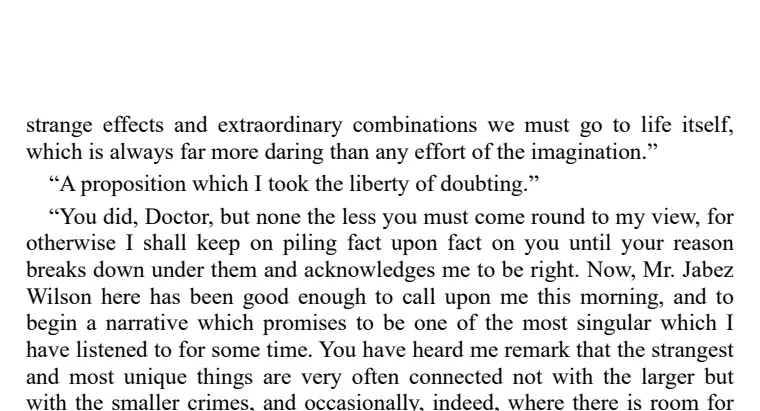
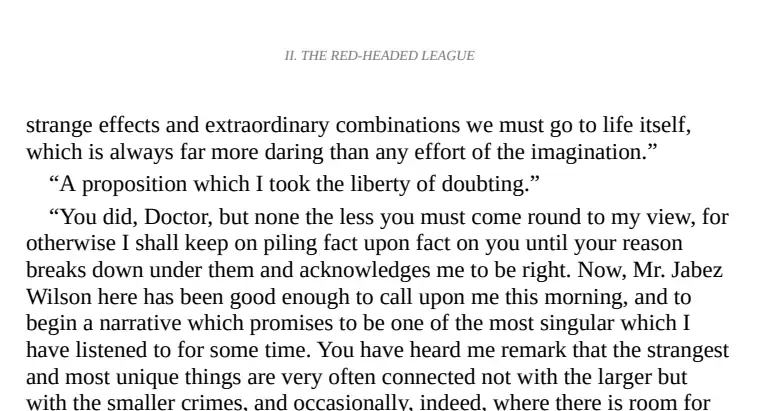
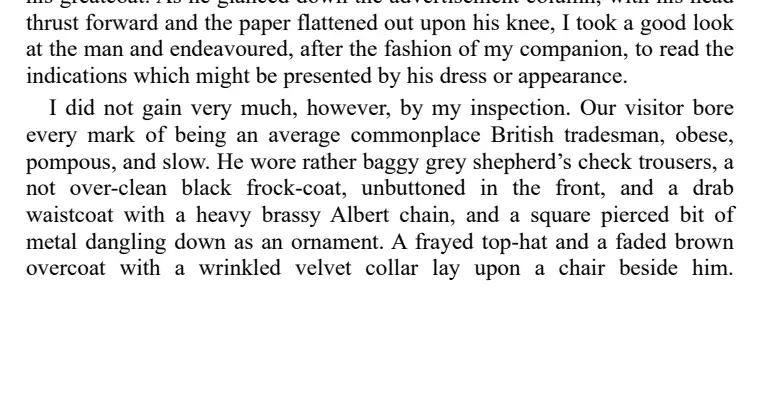
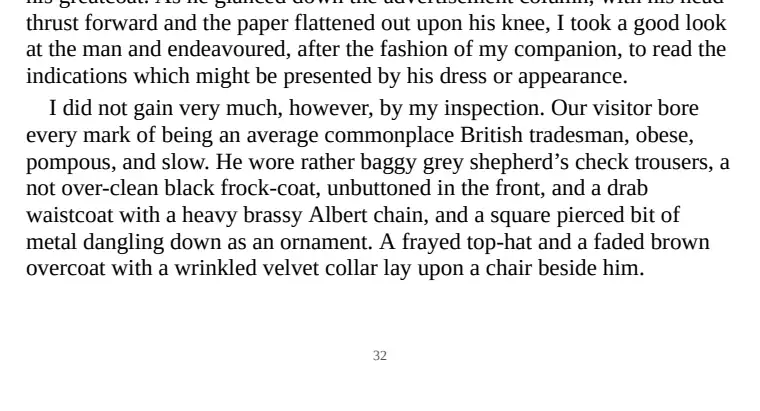
How it compares: 4 AZW3 to PDF converters tested
Tested 4 and 5 November 2026. The Adventures of Sherlock Holmes as an AZW3 from Project Gutenberg, run through every converter the same way and scored by script.
| Converter | Page numbers | Running heads | Contents page |
|---|---|---|---|
| epubwise Calibre 7.6 | 100% | 98% | Yes |
| Calibre (default settings) Calibre 9.13, the desktop program | 0% | 2% | No |
| FreeConvert | 0% | 2% | No |
| online-convert.com | 0% | 2% | No |
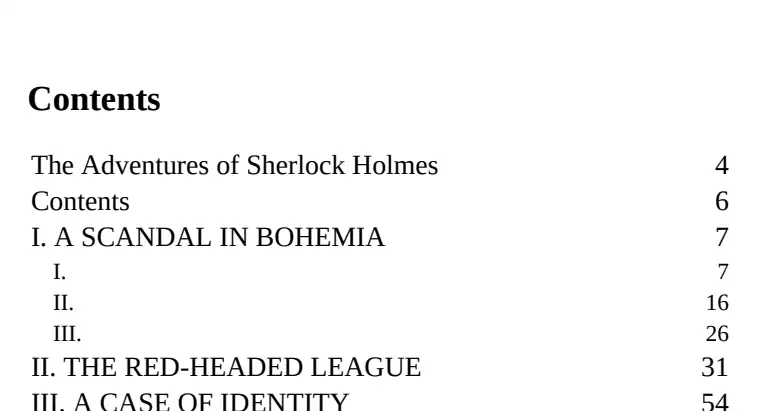
Reading the table. On a 285-page book, finding your place depends on the running heads and the contents page. Ours has both, with a number on every page; the other three files have a running head on 2% of pages and no number on any of them.
Where others did better: they didn't here, though our book ran one page longer because of the contents page. Bookmarks matched at 18 each. CloudConvert and Convertio haven't been measured on this book yet.
Kindle store books and other limits
Kindle books bought from Amazon are DRM-protected even when they end in .azw3, so they can't be converted. Files from publishers' DRM-free bundles, from your own Kindle exports, or from tools such as Calibre are fine. The older Kindle format has its own page: MOBI to PDF.
Behind the scenes, Calibre, the free ebook program, does the conversion on our server, with page numbers and bookmarks switched on. Nothing is kept: the PDF is deleted within an hour. Want an ebook rather than pages? Use AZW3 to EPUB.
Questions
Does it work with books from the Kindle store?
No. Store-bought Kindle books are DRM-protected, so only DRM-free AZW3 files can be converted.
Is there a watermark on the PDF?
No. The PDF has the book's own pages, numbered, with no watermark or advert.
How long does it take?
Usually under a minute for a full-length book, a little longer when the server is busy.
Kindle is a trademark of Amazon.com, Inc. epubwise is not affiliated with Amazon.