MOBI to PDF
MOBI to PDF converter: read or print a MOBI anywhere
To convert MOBI to PDF, drop the .mobi file in the box, choose Letter, A4 or A5, and download a numbered PDF that opens on any computer, phone or printer.
Convert a MOBI to PDF
- Upload
- Convert
- Download
Uploading…
Your PDF is ready
Download PDFDeleted from our server within an hour.
How did it turn out?
What went wrong?
Thank you. Your answer helps improve the converter; nothing from your file is kept.
- No sign-up
- Deleted within an hour
- Page numbers and bookmarks
Free: 10 files a day. Only convert books you have the right to convert. DRM-protected books, such as most store-bought Kindle books, can't be converted.
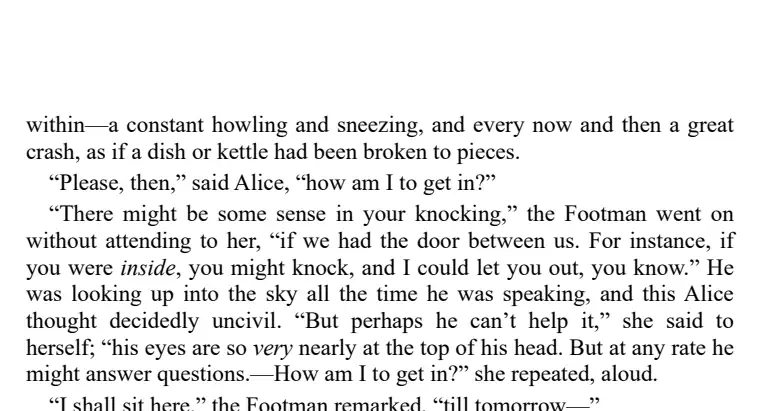
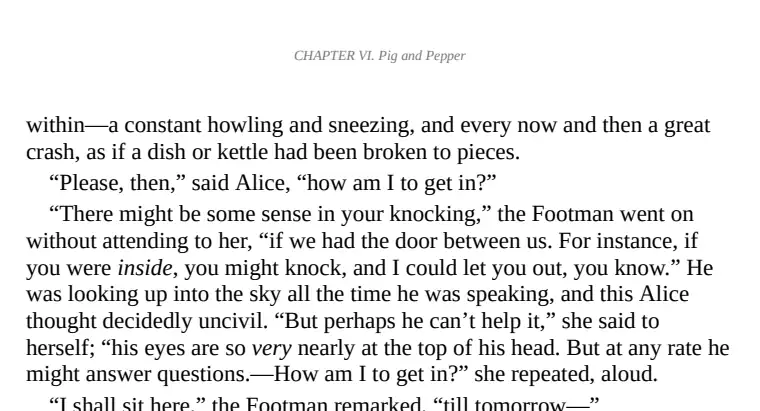
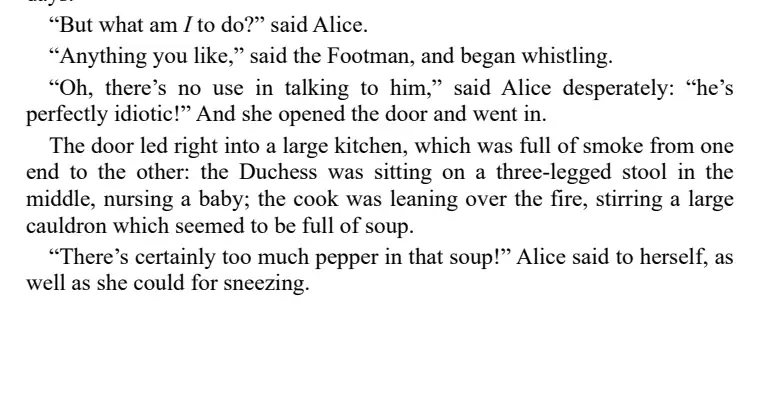
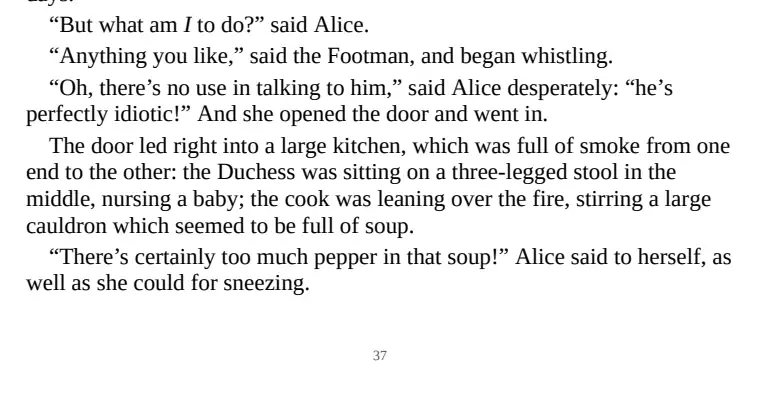
A MOBI file nothing wants to open
MOBI files come from the early years of the Kindle. Windows, macOS, iPhone and Android have no built-in way to read them, and Amazon itself has moved on to newer formats. A PDF, on the other hand, opens in every browser and on every device without installing anything. Converting is the quickest way to read an old MOBI on a laptop, hand it to a student or print it for a book club.
If you would rather keep reading it as an ebook, with text that resizes, convert it to EPUB instead; a PDF keeps fixed pages, which suits printing and sharing more than reading on a small screen.
What you get in the PDF
Printable pages
The book is set on US Letter, A4 or A5 pages, with margins that leave room to bind or punch holes.
Page numbers
Numbered at the bottom of each page, so a printed stack stays in order.
Chapter bookmarks
Jump between chapters from your PDF reader's sidebar.
How it compares: 4 MOBI to PDF converters tested
Tested 4 and 5 November 2026. Project Gutenberg's MOBI of Alice's Adventures in Wonderland, free tier, default settings, no account. One script measured each PDF.
| Converter | Numbered pages | Chapter title on top | Printed contents |
|---|---|---|---|
| epubwise Calibre 7.6 | 99% | 97% | Yes |
| Calibre (default settings) Calibre 9.13, the desktop program | 1% | 2% | No |
| FreeConvert | 1% | 2% | No |
| online-convert.com | 1% | 2% | No |
What the numbers say. A printed copy needs page numbers, and the Calibre default leaves them off nearly every page, which is what both sites tested gave us too. In ours, 99% of pages carry a number and 97% show the chapter title.
Where others did better: nowhere in this test. Page count and the 16 bookmarks were level. CloudConvert and Convertio are still to be measured.
Before you upload
Only DRM-free MOBI files can be converted; books bought from the Kindle store are locked to an Amazon account. The conversion is done by Calibre, the free ebook program, running on our server with page numbers and bookmarks turned on, and the file is deleted within an hour. For Kindle books in the newer format, there is an AZW3 to PDF converter, and for EPUB books an EPUB to PDF converter.
Questions
Can I print the PDF?
Yes. Pick US Letter or A4 to print on standard paper, or A5 for a smaller booklet.
Why not keep the MOBI?
Almost nothing outside an old Kindle opens a MOBI, and Amazon's Send to Kindle no longer accepts them. A PDF opens anywhere.
Is the text in the PDF searchable?
Yes. The PDF holds real text, not pictures of pages, so you can search, select and copy it.
Does the PDF have page numbers?
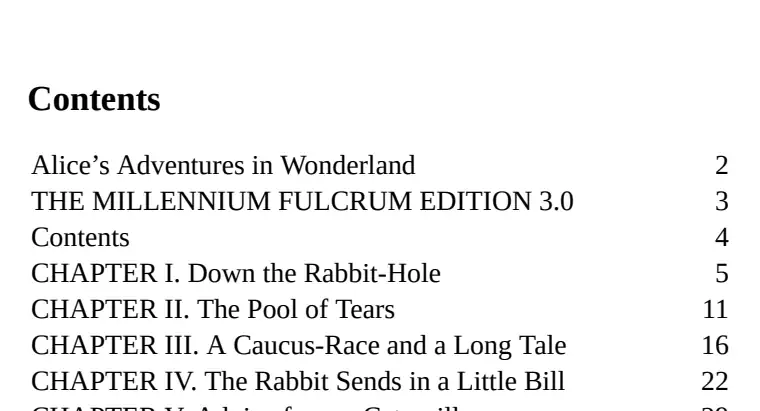
Yes, on nearly every page, with the chapter title on top and a printed contents page. Calibre's default PDF has page numbers on about 1% of pages.
Kindle is a trademark of Amazon.com, Inc. epubwise is not affiliated with Amazon.