CBZ to EPUB
CBZ to EPUB converter: read comics in your ebook app
To convert CBZ to EPUB, drop the .cbz comic in the box and download an EPUB with one page per screen, ready for Apple Books, Kobo, Google Play Books or any EPUB reader.
Convert a CBZ to EPUB
- Upload
- Convert
- Download
Uploading…
Your EPUB is ready
Download EPUBDeleted from our server within an hour. Reading on a Kindle? Send it like this.
How did it turn out?
What went wrong?
Thank you. Your answer helps improve the converter; nothing from your file is kept.
- No sign-up
- Deleted within an hour
- Opens in any reading app
Free: 10 files a day. Only convert books you have the right to convert. DRM-protected books, such as most store-bought Kindle books, can't be converted.
Why put a comic in an EPUB
Most people already have an ebook app on their phone or e-reader, and few have a comic reader. Turned into an EPUB, a CBZ lands in the same library as your other books, syncs your place the same way, and opens in apps such as Apple Books and Google Play Books, which don't read comic archives.
Unlike text, comic pages can't reflow: each page stays a picture, fitted to the screen. That suits tablets and large e-readers best; on a small phone, zoom works as it does for any image.
What you get
Original art
Pages keep their colours and size; nothing is turned grey or trimmed.
Whole spreads
Double-page spreads stay in one piece.
Page by page
Each page gets its own entry in the contents, so you can jump straight to it.
How it compares: 4 CBZ to EPUB converters tested
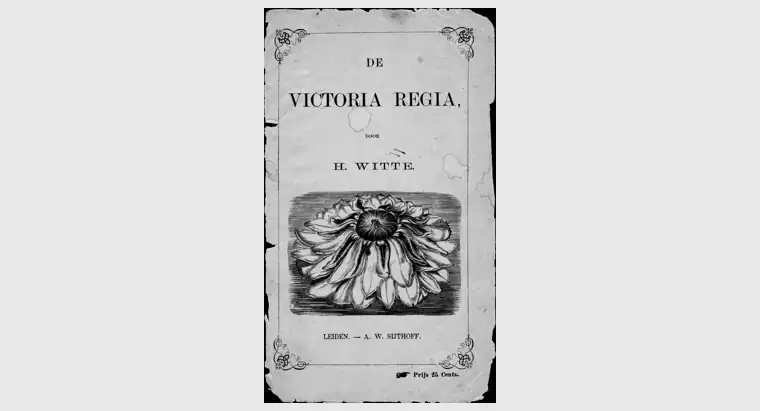
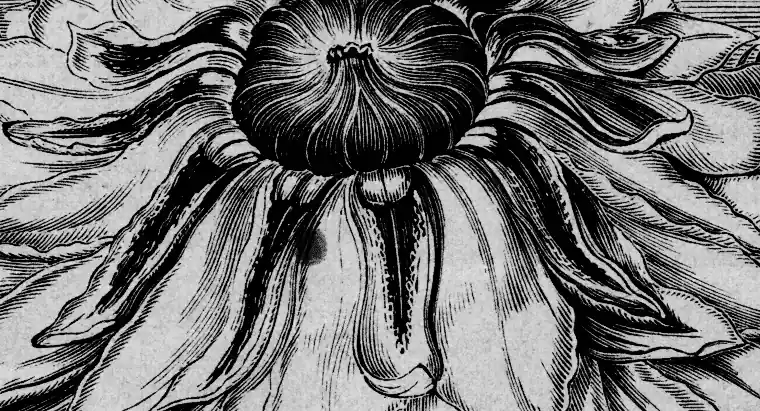
Tested 4 November 2026. Two public-domain scans from archive.org (De Victoria Regia, 1872, 41 pages, 15 MB, and a 1922 yearbook, 162 pages, 77 MB) went through each converter's free tier with default settings and no account. One script compared every EPUB with the original pictures. FreeConvert has no CBZ to EPUB option.
| Converter | Pages | Pictures at full size | Page shape | Colour kept (yearbook) | File size (the two comics) |
|---|---|---|---|---|---|
| epubwise Calibre 9.17, comic processing off | all | yes | the comic's own | yes | 14.7 MB / 77.3 MB |
| Calibre (default settings) Calibre 9.13, the desktop program | all | no | stretched | no | 11.5 MB / 50.3 MB |
| AnyConv Calibre 4.3 | failed on the yearbook | no | stretched | n/a | 9.6 MB / failed |
| CloudConvert Calibre 8.5 | all | no | stretched | yes | 11.7 MB / 26.3 MB |
What the numbers say. All four run Calibre. Its comic settings are made for e-ink screens: they shrink every picture and stretch it out of shape, and on its own Calibre also turns the pages grey. AnyConv stopped with an error on the yearbook. epubwise turns that processing off, so the art keeps the size, shape and colours it was scanned in. Ours is EPUB 3, the others EPUB 2, and every file passes EPUBCheck, the official validator.
Where others did better: the shrunken EPUBs are much smaller, so they take less room on a phone or e-reader. CloudConvert kept the yearbook's colour at about a third of our file size. MConverter, which ranks in Google's top 5 for CBZ to EPUB, matched us on the pictures in both books: every page at full size, in shape and in colour. Its files fail EPUBCheck, though (82 and 324 errors against our none), and they name the book "in" by "Unknown".
Limits
Only CBZ (zip) archives are supported, not CBR (RAR). For printing or sharing as one file, use CBZ to PDF. Reading on a Kindle? The EPUB can go through Send to Kindle like any other; here are the steps. Calibre, the free ebook program, does the conversion on our server, and the file is deleted within an hour.
Questions
Will a CBZ EPUB work on a Kindle?
Yes, through Send to Kindle like any EPUB, though image-only books are best on a large-screen Kindle.
Can I read manga right to left?
The pages are kept in file order. Most reading apps let you turn pages either way.